
For weddings
From the save the date to the big day.
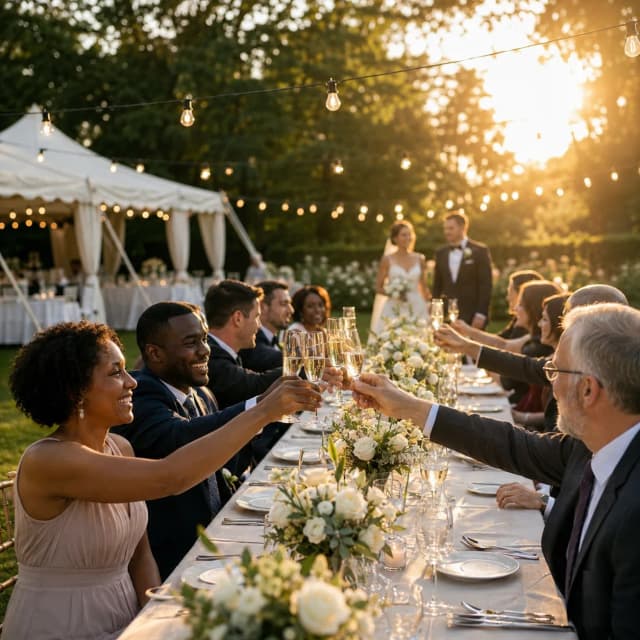
One app, two newlyweds, dozens of guests. Coordinate everything without Excel or an 80-person WhatsApp group.


100% free

Use cases
Built for wedding.
Everything you need, nothing you won't use.
Save the date & invitations
A premium invitation link, RSVP in one tap, response tracking in real time.
Day-of schedule
Cocktails, dinner, photos, first dance. Every moment shared with the right guests.
Co-organising
Witnesses, wedding planner, parents: add co-organisers with the very same rights as you.
Shared tasks
Caterer, flowers, playlist, décor: split the tasks between newlyweds and witnesses, and track progress.
Shared photo album
All the guests' photos gathered in one place, without an 80-person WhatsApp group.
Honeymoon pot
Your guests contribute to your honeymoon via your Lydia, Wero, PayPal or IBAN link. Orgaa never handles the money and simply centralises the tracking.
Guest questionnaires
Dietary needs, children, next-day brunch, accommodation: one form per person, one table for the caterer, a CSV export.
Carpooling
A venue out in the country, a station 30 minutes away: your guests sort out the drive there and back between themselves.
The guide
Organising a wedding is like running a project that lasts several months: a venue and a date to lock in very early, suppliers to coordinate, a guest list to agree on, then dozens of replies to collect. The hardest part is keeping the big picture in view when information is scattered across emails, spreadsheets and chats. Centralising guests, tasks and the schedule lets the couple and their witnesses move forward together without letting anything slip.
How far in advance should you organise a wedding?
12 months before
Lock in the date and the venue
Reception venues get booked up very early, especially in summer. Set the date, visit, sign, then send a save the date to guests travelling from far away.
8 to 6 months before
Choose your key suppliers
Caterer, photographer, music, celebrant: the good ones go early. Split the research between you and your witnesses so you aren't carrying it all alone.
4 months before
Send the invitations
Send the invitation with a reply-by date. Take the chance to ask about dietary needs, whether children are coming and who needs accommodation, using a questionnaire for each guest.
30 days before
Finalise the numbers
Chase the stragglers, give the caterer the final headcount, finish the seating plan and organise travel between the station, the ceremony and the reception.
The week of the wedding
Delegate the big day
Write an hour-by-hour running order and hand it to a witness. On the day, suppliers should be calling someone other than you.
What shouldn't you forget for a wedding?
- The legal paperwork for the ceremony and your witnesses' documents
- A wet-weather plan B for the drinks reception
- Meals for the suppliers who are there all evening
- The rings, entrusted to one specific person
- A single point of contact for suppliers on the day
- Nearby accommodation scouted out for guests
- Getting home at the end of the night: a shuttle, carpooling or pre-booked taxis
- The next-day brunch and its headcount
What costs should you budget for a wedding?
- Venue and catering
- The biggest cost, charged per head: hence the importance of firm replies before the deadline.
- Photographer and music
- Deposits are due on booking: note the payment dates so you can spread the spending over the year.
- Outfits and rings
- Remember alterations, shoes and accessories, which are almost always missing from the first budget.
- Decorations and flowers
- A cost that creeps up bit by bit: set a fixed amount and hand some of the handmade touches to friends and family.
- Guest accommodation and transport
- Usually paid for by each guest; give plenty of notice and make carpooling easy to keep the bill down.
Inside the app
Exactly what you'll see in Orgaa.
The key modules for wedding, just as they appear in the app.
 JUN 12-13 from 10:00
Cocktail
Le Loft

Dinner
Reception hall

Evening party
Program
The hour-by-hour schedule, over one or several days. Everyone knows what and when.
5 questions · 12/16 completed
 Marie L.'s form
Questionnaires
Diet, size, shuttle: one form per person and every answer in a single table.


Tasks
Who does what: assigned tasks and clear progress tracking.
Features
What you won't find anywhere else.
An attention to detail other apps don't have.
Surprise mode
The surprise stays secret, truly.
The recipient sees neither the gifts nor the messages about them, until the reveal. A detail that changes everything.
- Content hidden on the recipient's side
- A dedicated chat for the organisers
- Reveal it whenever you want
Organisers
Léa's birthday
Group fund
Gift for Léa
For Léa
12 contributors
Cake & decorations
8 contributors
Gift list
Léa's wishlist
Beneficiary
Nothing to see here
The surprise stays secret until the big day.
Web RSVP
Your guests reply without installing the app.
One link is enough: the invitation card opens in the browser and the reply takes two taps. Those who want the app download it, the others don't have to.
- Attendance, adult or child plus-ones, a note to the group
- Add to calendar, directions and QR code straight from the page
- Wishlist and gift list bookable without an account
An account is created automatically on the first reply, with no password needed.


FAQ
Frequently asked questions: wedding
Can't find your question? Contact us at contact@orgaa.fr.
Also for these events
One app, all your events.
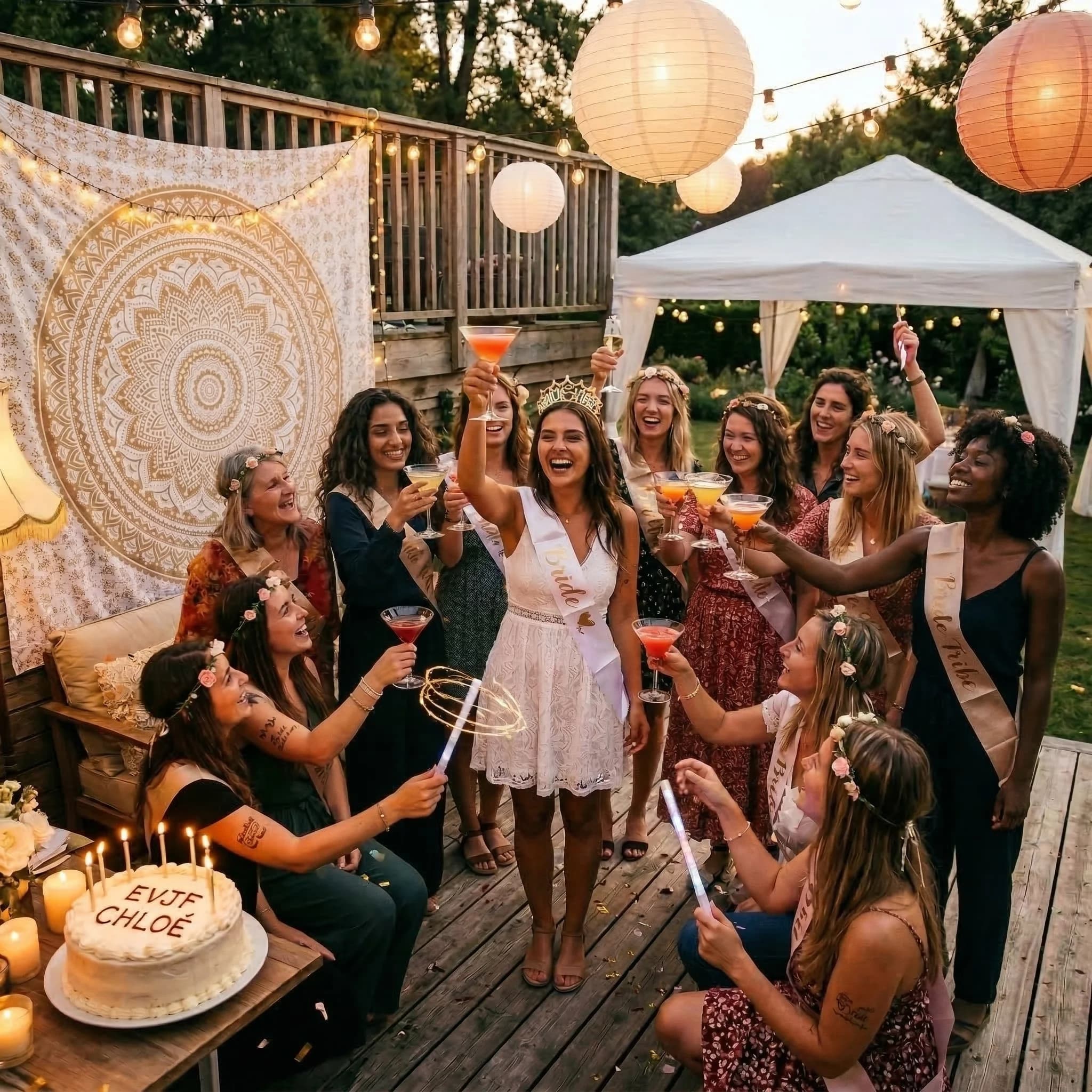
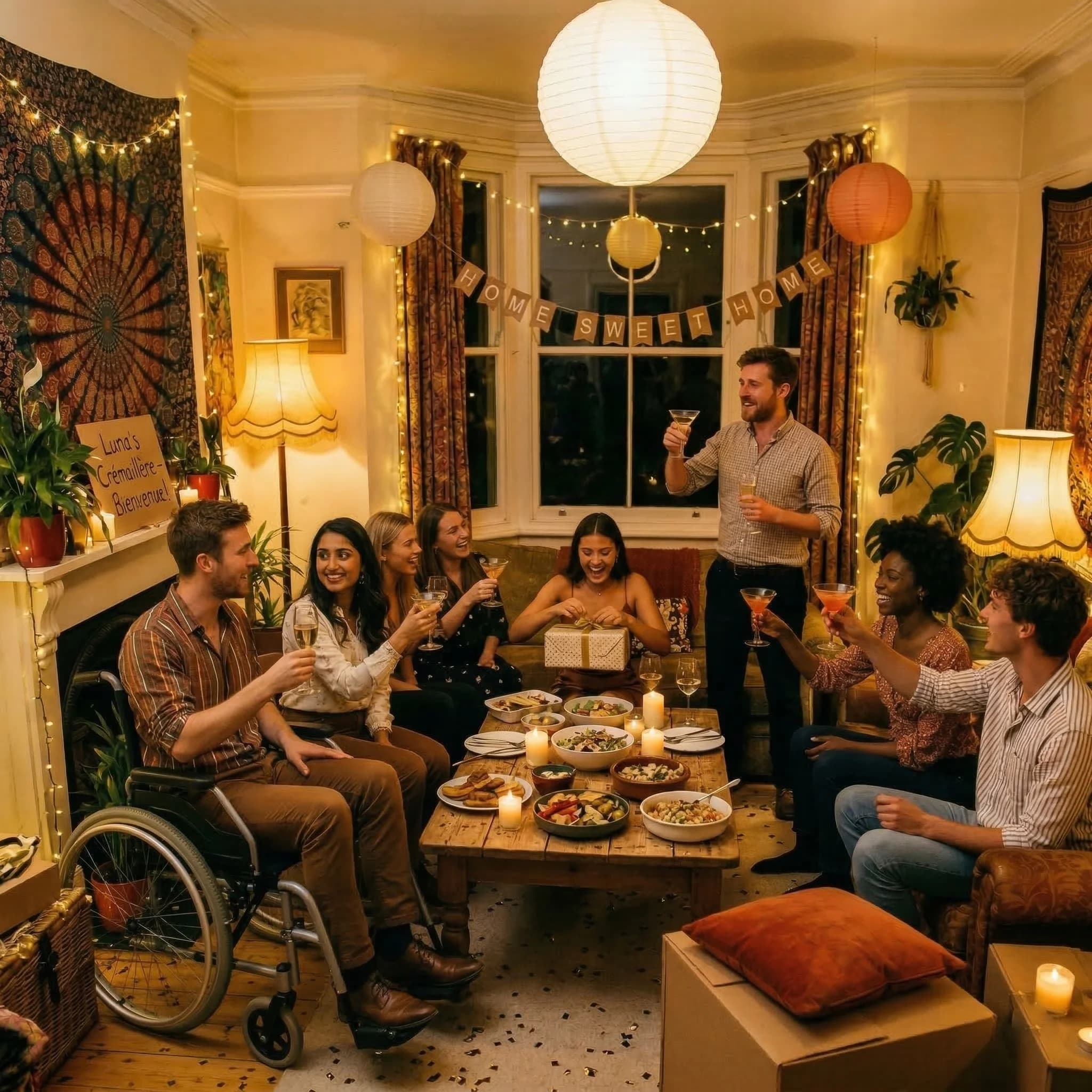
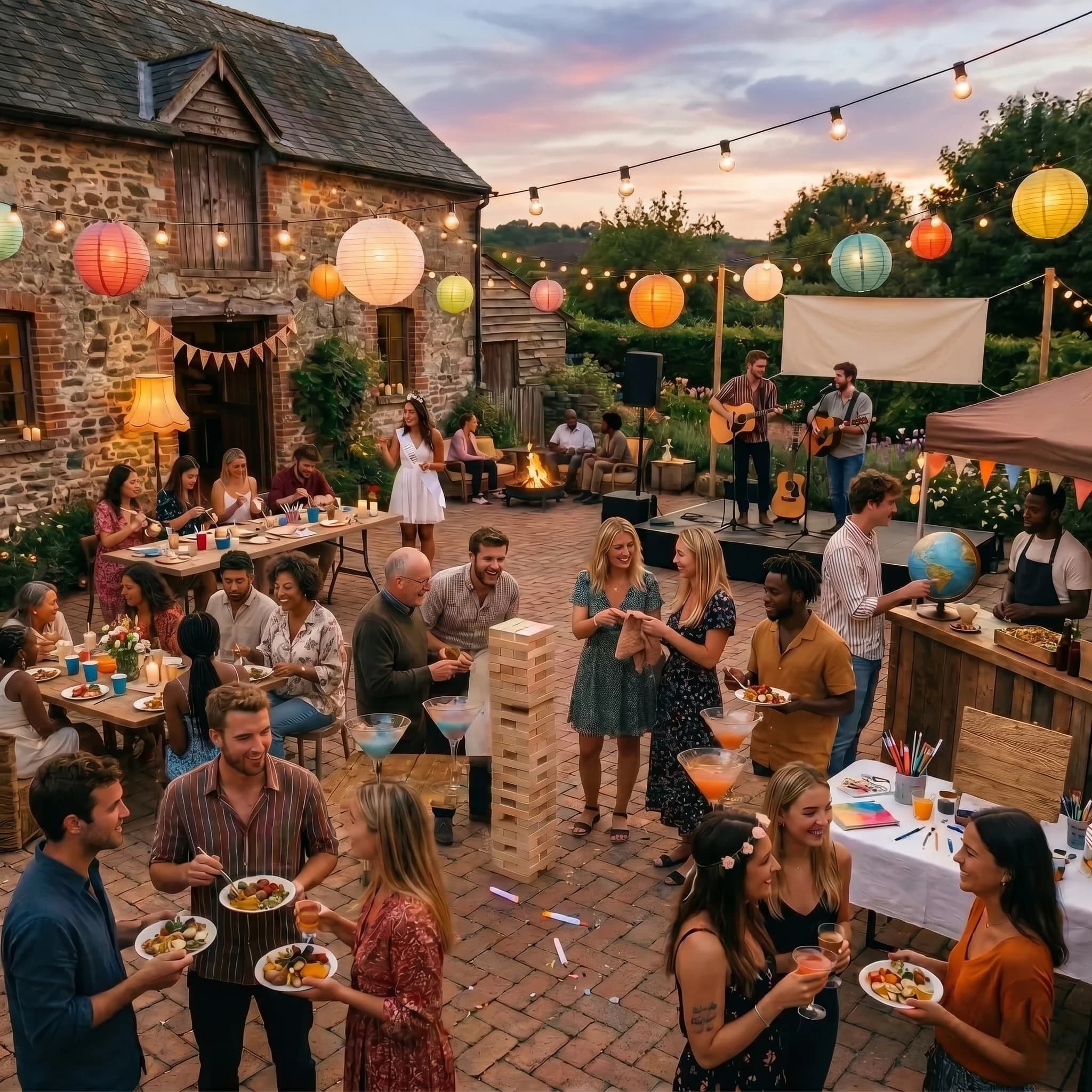
Orgaa adapts to every occasion: birthdays, weddings, bachelorette parties, trips.






Download Orgaa
Ready to organise differently ?
Available on iOS and Android. Free forever, no subscription.
No bank card. No paid version.